One pen, twelve people
The person sharing the screen types everyone's ideas. Some get shortened, some never get said.
In person, everyone grabs a marker. Online, one person shares a screen and everyone else waits. Virtual Offsite gives every person on the call their own place to write, vote, and decide at the same time, then turns it all into a record you carry into next week.

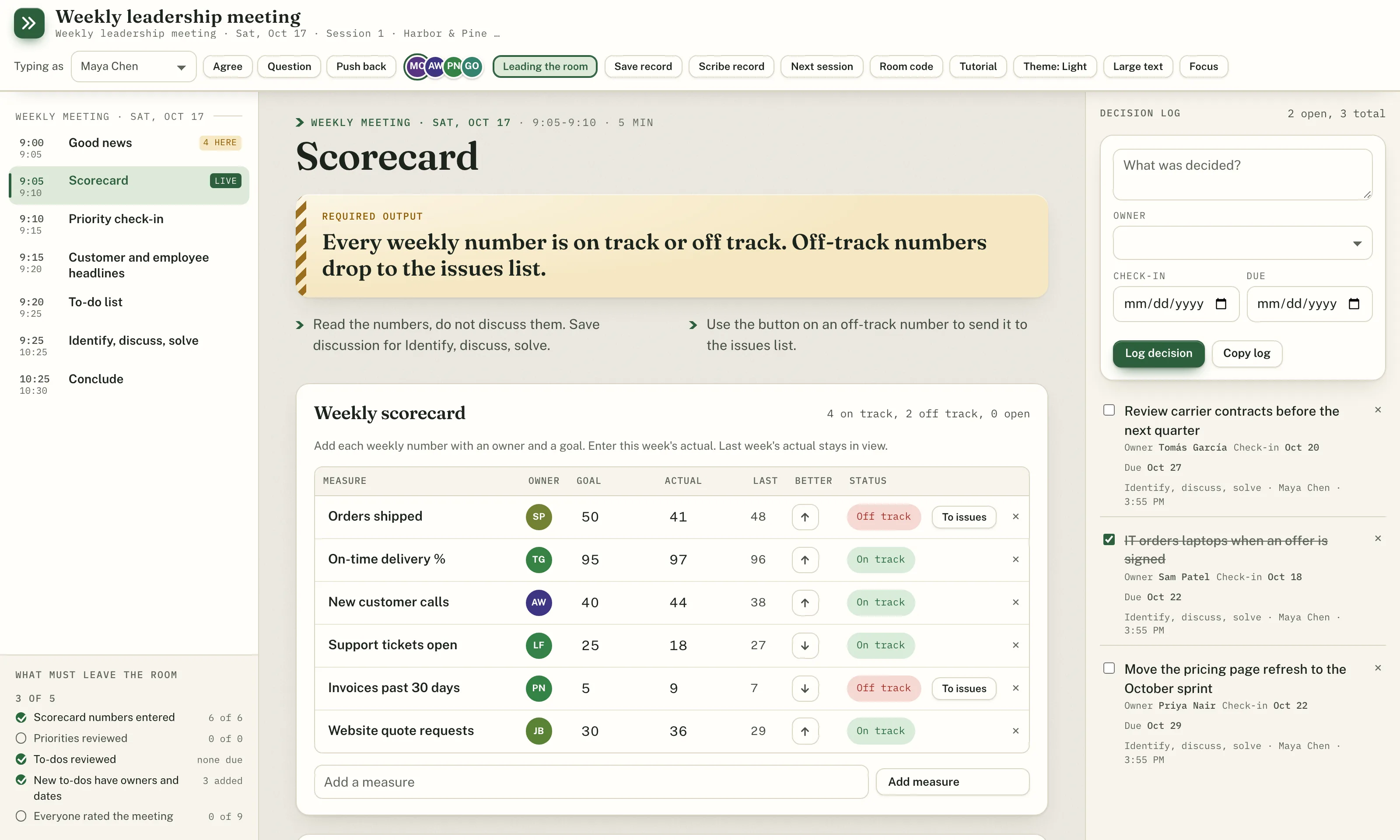
Planning, priorities, scorecards, issues. The work that matters most needs every voice, and a screen share only has room for one.
The person sharing the screen types everyone's ideas. Some get shortened, some never get said.
Going around the room one person at a time is slow, and whoever speaks first sets the frame.
The call ends, the doc is half-filled, and next week starts from scratch.
Sticky notes get photographed and never typed up. In a Virtual Offsite room, every person writes from their own laptop at the same time. Each idea is captured with its author, voted on, and ranked before the discussion starts.
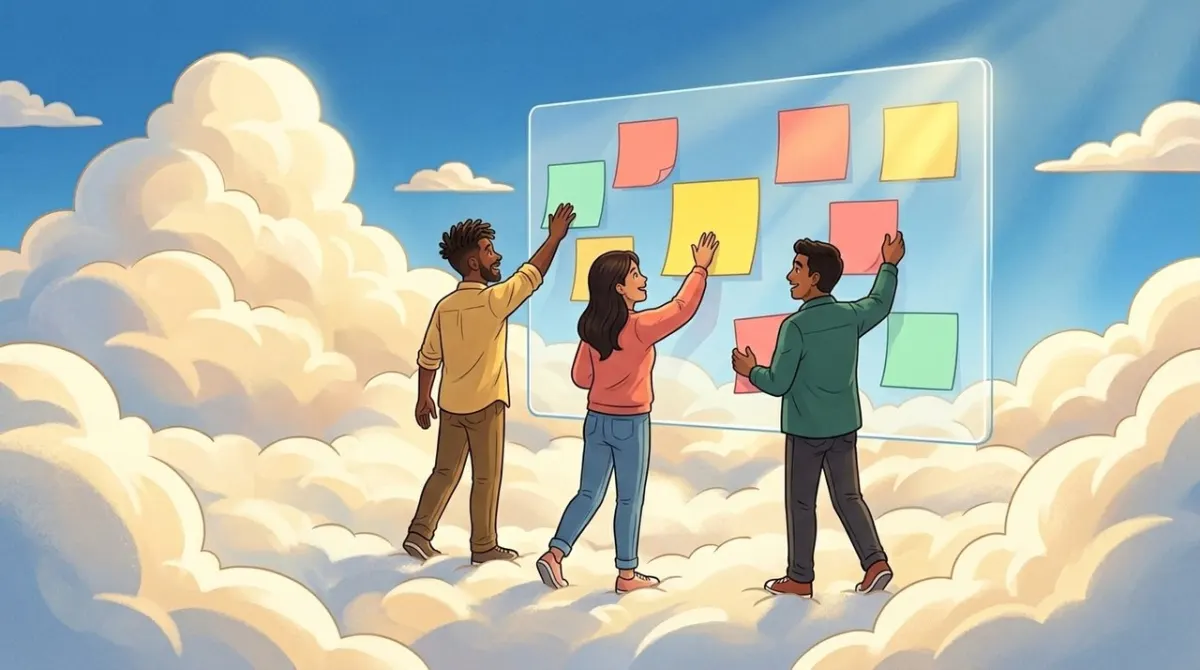
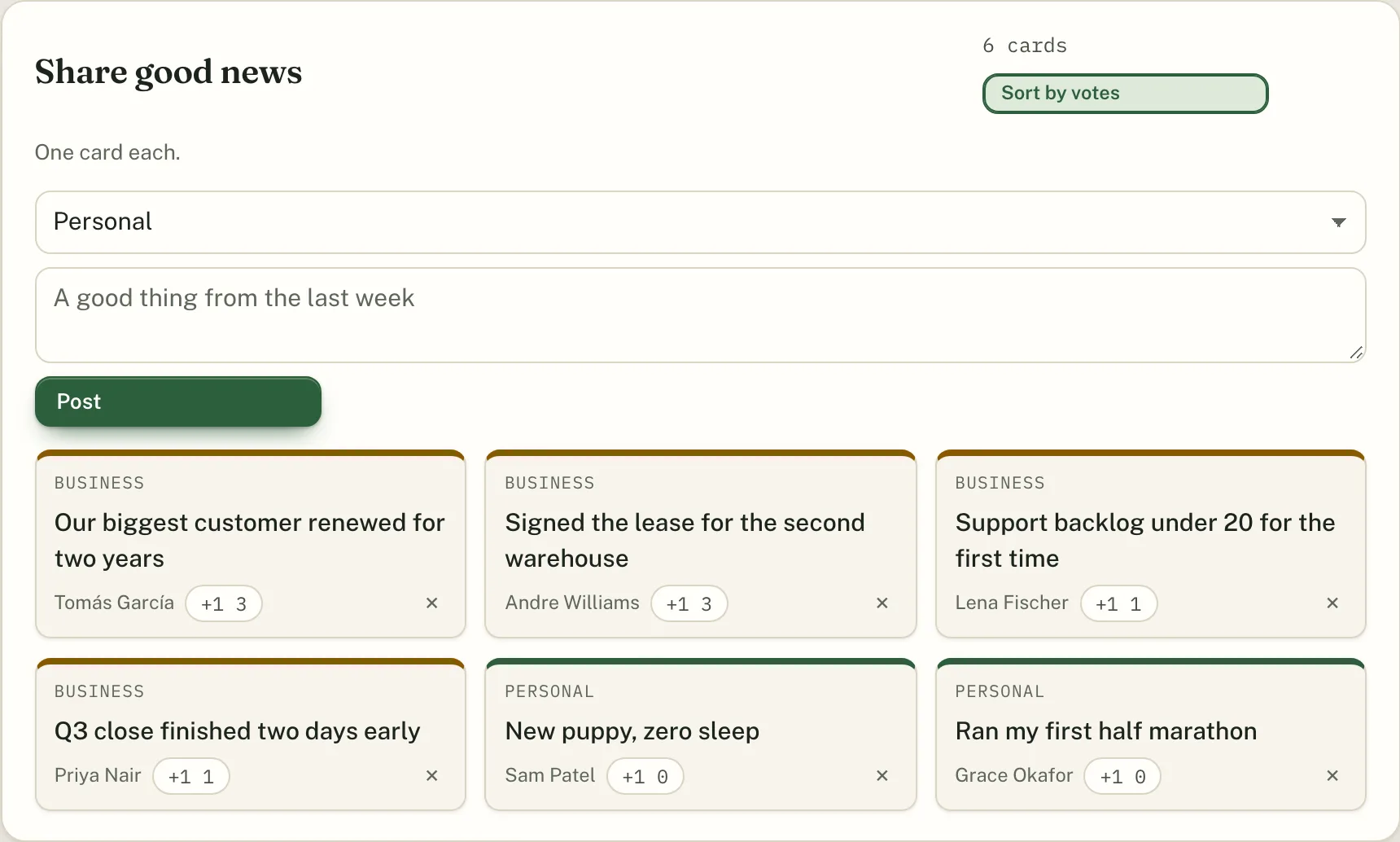

No redrawing the flip chart. Pick a template and every agenda item opens with the tool it needs: the scorecard when it is time for the numbers, priorities when it is time to choose, the issues list when it is time to solve.
Works with the meeting rhythms of EOS®, Scaling Up®, and The 4 Disciplines of Execution®.
Whiteboards get erased. In a Virtual Offsite room, every action gets an owner and dates, and the facilitator saves the record when the meeting ends. Open issues and to-dos carry into next week's room by themselves.
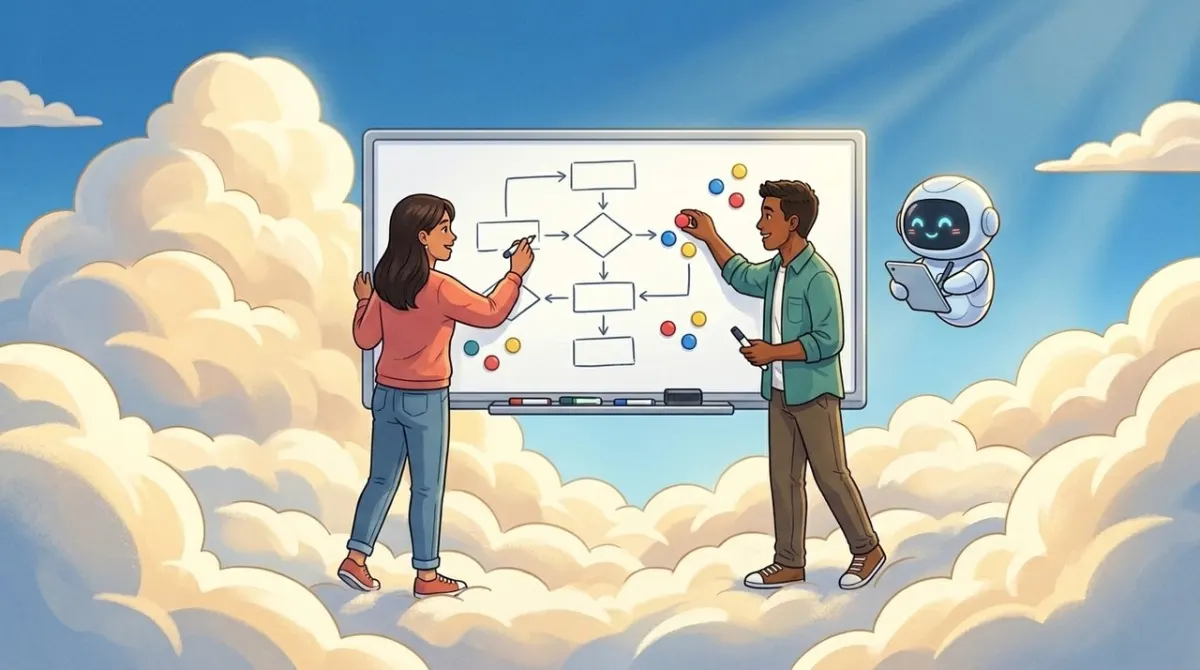
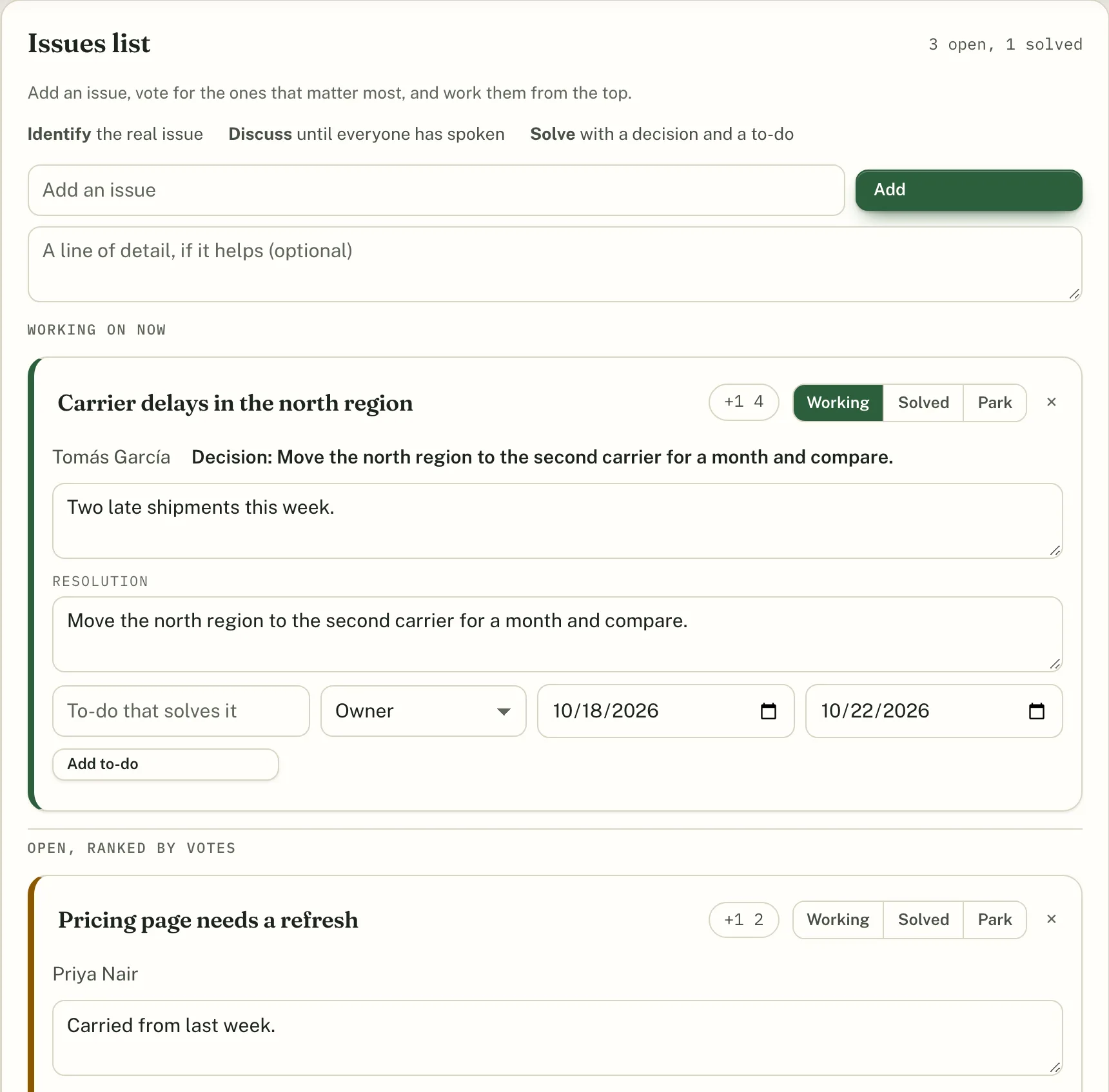
This is the real room, running in your browser with four pretend teammates. Nothing you type leaves this page.
The Facilitator plan adds an agent that writes the record and preps the next meeting. It posts one short brief before each recurring session and otherwise stays out of the discussion.
One click builds the session record from what the room entered, with a short read-back that quotes the decisions, numbers, and commitments as written.
Before each recurring session, a short brief lands in the first agenda item: carried to-dos, overdue items, open issues, off-track numbers, and last session's decisions.
Upload decks, notes, and CSV files. Attach any slide to an agenda item so it shows up right where the team needs it.
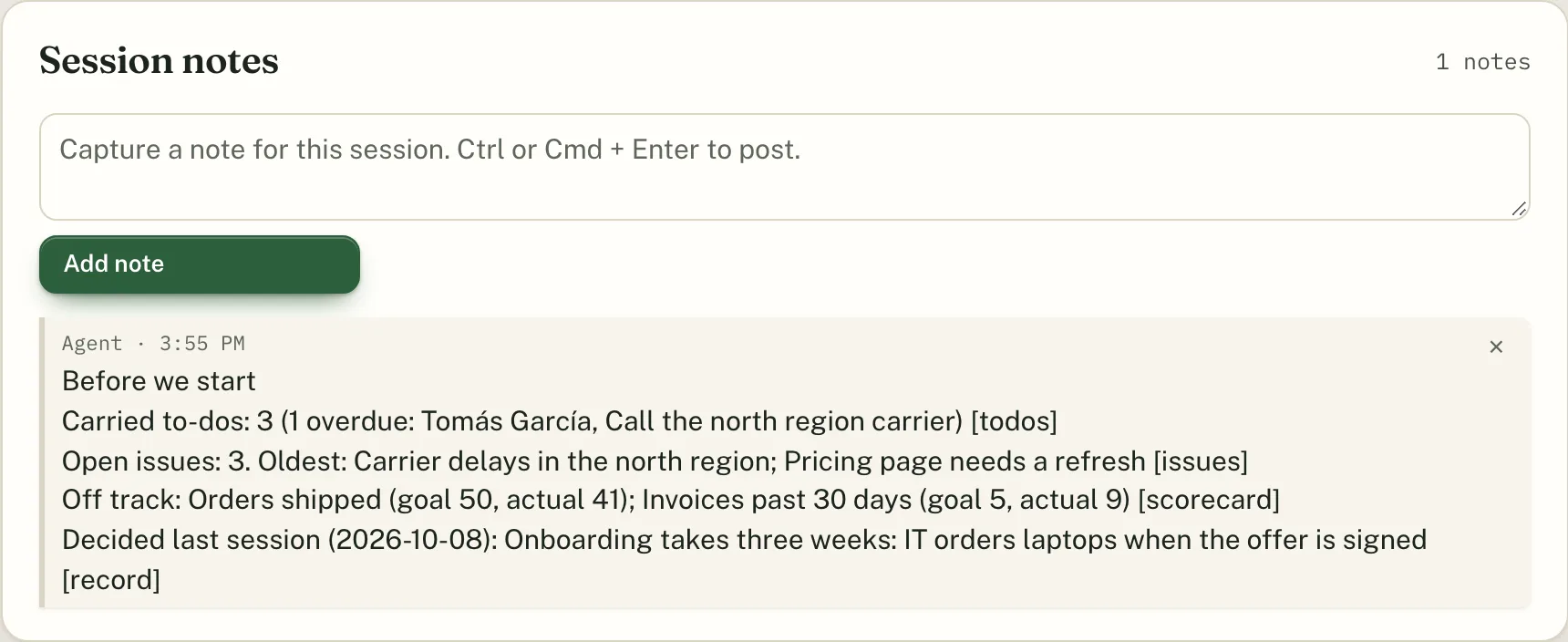
With the agent off, nothing goes to a model provider. With it on, the agent sends a session's record to our model provider only when it writes the read-back. The Prep brief is built without a model. We never use your meetings to train models.
Choose the agenda, adjust the items and minutes, and pick a look.
Each person gets their own link by email. Walk-ins join with a room code and their name.
Open the room next to your video call. Everyone works on the same page, and the record is saved.
Unlimited seats and unlimited rooms on every plan. Start with a 14 day free trial.
Every template and tool, for the whole company.
Everything in Rooms, plus the AI agent.
No. Keep Zoom, Meet, or Teams. Everyone opens the room link in a browser tab next to the call, and nobody has to share a screen.
No. Each person gets a personal link by email. People without a link can join with the room code and their name. Only the people who set up rooms sign in.
Rooms are built for 2 to 40 people working together on the same page.
Hosted rooms run on Vercel with an Upstash Redis database. Each room's data is kept separate. Delete a room and its content and saved records are removed.
The agent is only on the Facilitator plan. When it writes a record's read-back, the text of that record goes to our model provider. The Prep brief is built from your room's data without a model. Turn the agent off and nothing goes to a model provider. We never use your meetings to train models.
Yes. Cancel from the billing page. Your records stay readable and downloadable after you cancel.
Your next leadership meeting can be the one where every voice made it onto the page.
Get early access